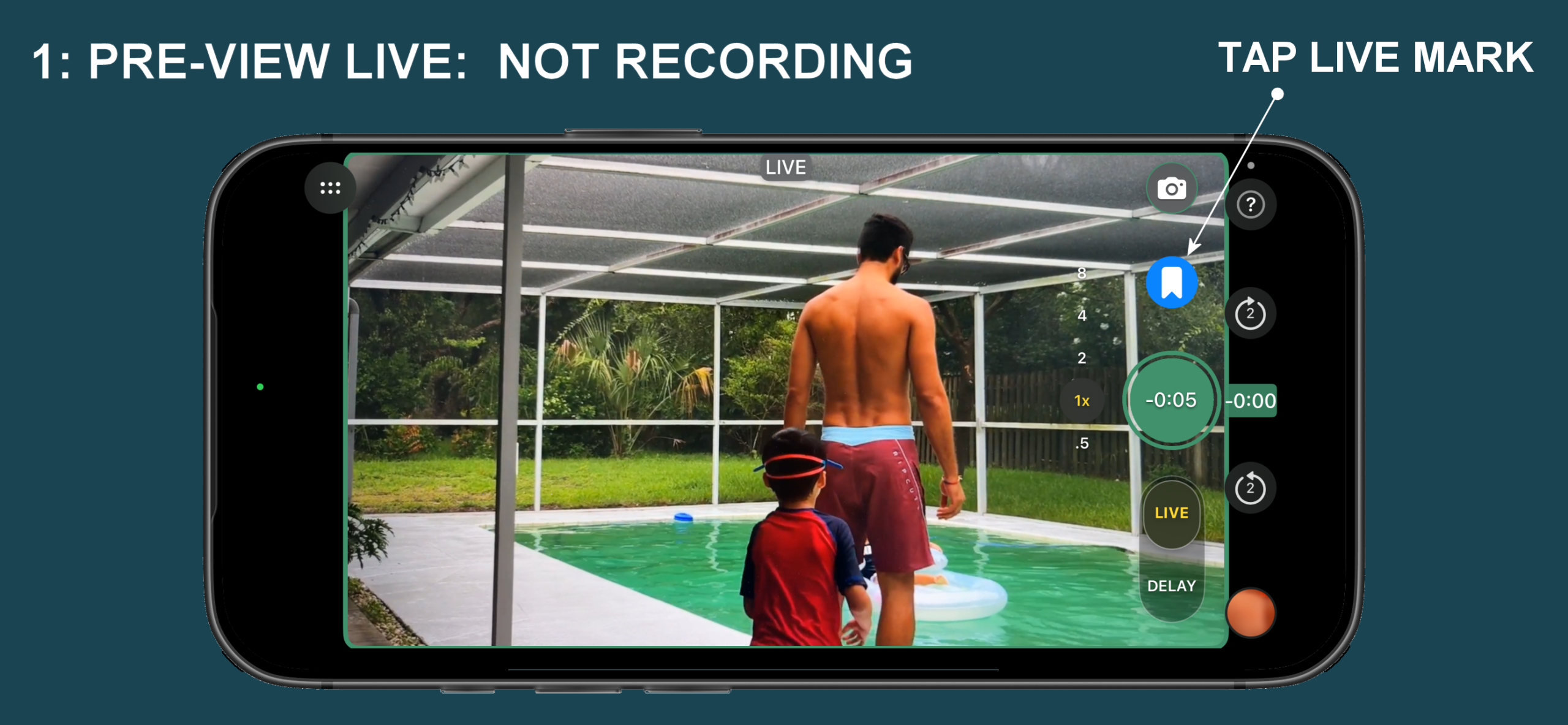
Thank you for helping us test Deja2 Camera.
To join our Beta test team:
Fill out the form here.
If you need to contact us send email to beta1@deja2video.com
HOW TO START TESTING
Once you have submitted your information and your are entered in our system as a tester, here is the process:
- You will receive an email from Apple Developer
- Subject: You’re invited to join a development team
- Fill in the information to be registered
- This will add you as one of the private development testers
- Install the TestFlight app from Apple App Store
- Once your registration is confirmed you will receive a new email from TrimVid LLC via
- TestFlight
Subject: TrimVid LLC has invited you to test Deja2™ Camera.
It may also see Deja2™ Camrea 0.1 (x) for iOS is now available to test
- TestFlight
- You can click on the View in TestFlight button to see the App
- In some cases the email will have a code you enter in TestFlight to get the Deja2™ Camera App installed
- Once you install Deja2™ Camera through TestFlight it will appear on your phone as if you just installed it from the Appstore